



What's New in Conceptor: Live Lists, Waterfall Enrichment, Market Maps and a Workspace Built Around Your Judgement
Conceptor's biggest release yet: a workspace built for iterating on target lists with your own judgement, Live Lists with 24/7 monitoring and active management by Florence, contact data on every finalized list, Waterfall Enrichment with ChatGPT and web search, Market Maps and a World View.
 Grayson Rothchild6 min read
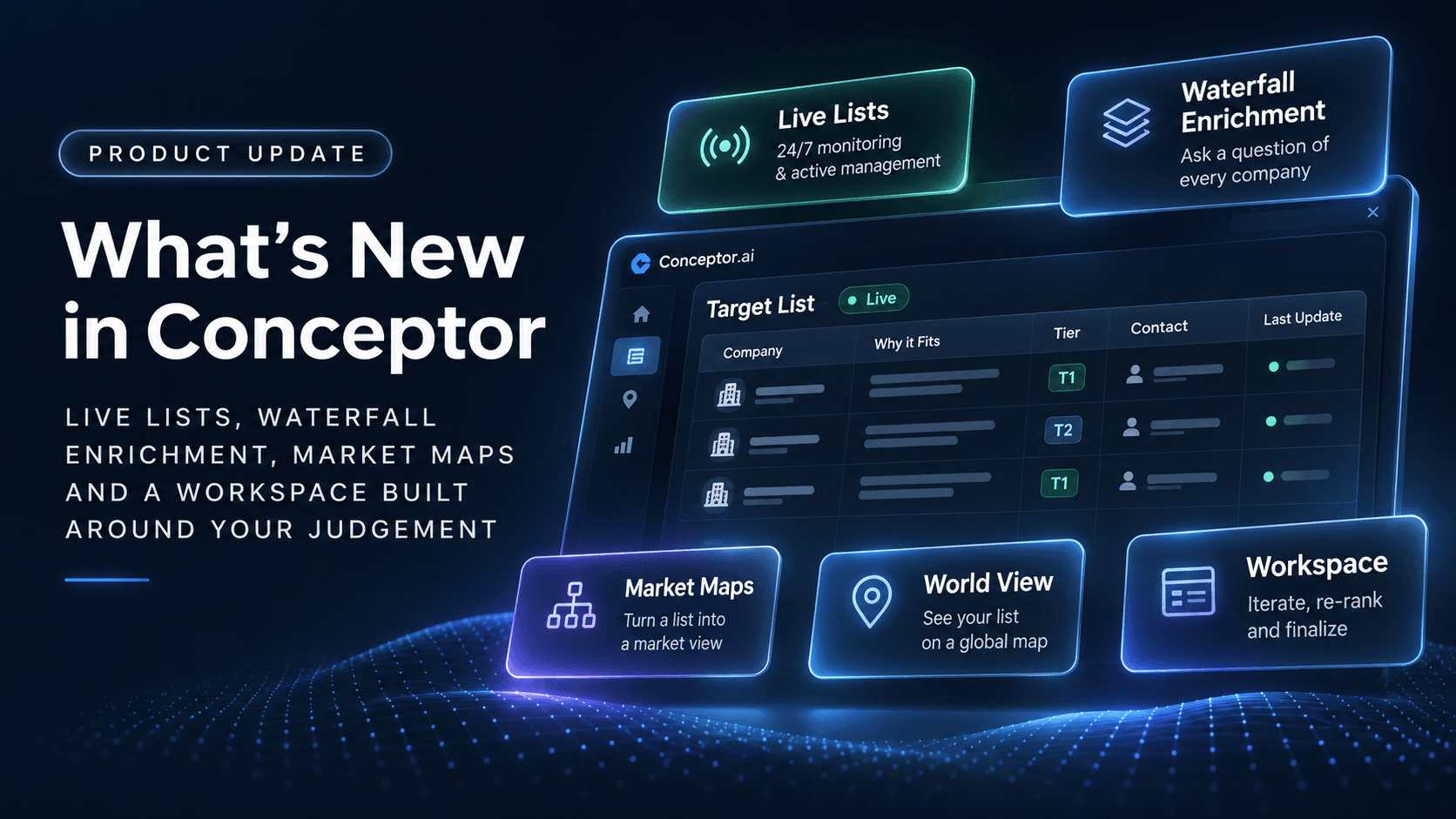
Over the last few weeks we rebuilt the heart of Conceptor around one idea: a target list is not a search result, it is a working document. You start it with Florence, you shape it with your own judgement, and Florence keeps it alive after you finalize it.
Here is what shipped: a reworked workspace built for iteration, Live Lists with 24/7 monitoring and active management, contact data on every finalized list, Waterfall Enrichment, Market Maps and a World View. Every one of these is live today in the app.
A workspace built for your judgement

Florence: The Prospecting workspace: Chat with Florence to add, remove or re-rank companies, and the list updates in real time as you talk.
The old flow handed you a finished list and asked you to take it or leave it. The new workspace treats Florence's first pass as a draft, and gives you the tools to argue with it.
- Talk to Florence about the list. Ask "Who's missing?", "Drop anything under 10 providers" or "Only founder-owned practices" and Florence reworks the list in place, showing each change as it lands.
- Every row explains itself. Each company carries a "Why it fits" note tied to your brief, and the evidence behind it opens in a drawer beside the table. You judge the reasoning, not just the name.
- Remove, restore, re-rank. Cut a company and it moves to a Removed tab instead of disappearing. Change your mind and bring it back. Drag rows, edit tiers, and the list remembers your calls.
- Extend when you want more. When the first pass runs out, Florence ranks the next batch that passed the screen, so the list grows on your terms rather than all at once.
- Finalize when you are satisfied. A finalized list is a decision you made, with Florence's research attached. It is the list that the rest of this post builds on.
Live Lists: put your mandate on autopilot

Live Lists: Proposed Changes on a finalized list - Put your lists under 24/7 Monitoring and Management by Florence
A target list is out of date the week after you build it. Someone raises, someone sells, a founder steps back, a competitor opens two more offices. Live Lists is our answer: every finalized list can stay under 24/7 monitoring and active management by Florence.
Active Monitoring finds what changed. Florence watches every company on the list for funding, leadership, M&A and expansion developments and files each one under a Signals tab, tied to the company it concerns. You see the signal, the source and what it means for the list.
Active Management lets Florence act on it. Turn it on and Florence sifts through the noise for you: re-ranks a company that just grew into your size band, removes one that was acquired, flags one that needs a human look. Every action lands in the Change Log with a reason, and every change can be undone.
Prefer to stay in the loop? Leave management off and Florence proposes instead of acts. A Proposed Changes tab queues each add, re-rank or removal with the signal behind it, and nothing moves until you approve it. Either way, you open the list in the morning and it reflects the market as it stands today, not the day you built it.
Contact data on every finalized list
A list of companies is only half the job. Finalized lists now carry a Contact column, and Florence fills it on request: one click on a row, or "Find contacts" across every company that has none.
Florence looks for the decision-maker first, a founder, managing partner or CEO, and returns a name, title and verified email with a confidence score. When the usual data sources come up empty, Florence searches the web and the company's own pages instead, so small, private businesses do not come back blank. Each contact shows where it came from, and you can swap it for an alternate if you know the organisation better.
Waterfall Enrichment: ask a question of every company

Waterfall Enrichment: Three questions asked of every company, Locations, Providers and Services, filled from each practice's own site.
The columns you need are rarely the columns a database ships with. Waterfall Enrichment lets you add a column to any list by typing the question you want answered, and Florence answers it for every company, with sources.
- Ask in plain English. "How many locations does this practice have?" "Who is the current CEO?" "What was the most recent acquisition, and when?" Choose a number, text or yes/no output and the column fills row by row.
- Two modes, one waterfall. The ChatGPT mode answers from the company card and what the model already knows, in seconds. The web search mode reads each company's site and the live web, which takes longer but reaches the facts that no model memorised. Start cheap, escalate where it matters.
- Every cell shows its work. Hover any value to see how Florence got it, in which mode, and the page it came from. If an answer could not be verified, the cell says so instead of guessing.
- Ranking follows. Once a column is filled you can sort on it, cut by it or ask Florence to re-rank with it in mind, so your own criteria drive the list, not a generic score.
Market Maps

Market Maps: 87 targets arranged by clinical service mix into sections and segments, with tier dots and logos.
A ranked table answers "who is best?". A market map answers "what does this market look like?". Switch any list to the Market map view and Florence arranges it into a two-level map: sections for the big divides, such as direct competitors, adjacent offerings and financial buyers, and segments inside each one by sub-industry.
The map is yours to shape. Rename a segment, add one, drag a company from one segment to another or a whole segment into a different section. Ask Florence to regroup the same companies by customer segment, business model, geography or size, and the map redraws in seconds. It is the slide you would have built by hand, except it took a minute and it stays attached to the list.
World View

World View: The same list fitted to the East Coast, clustered by state, with the companies in view listed beside the map.
The same list, on a map of the world. Florence places every company at its headquarters, and the view clusters them by country, then by US state, then down to a pin per company with its name as you zoom in. Click a pin and the company's card and tier open beside it.
For a roll-up thesis this is the fastest way to see where the density is, where the gaps are, and which targets sit within a drive of each other. For a cross-border mandate it is the first thing to show a client.
What this adds up to
Florence does the gathering, the reading and the watching. You do the judging. That split is the whole product now: a draft you can argue with, a finalized list that keeps itself current, columns that answer your questions, and two views that turn a list into a market.
Next up is Outreach. Florence will draft a first note to each contact on the list and you will send it from your own Gmail or Outlook, with replies tracked back on the row. It is in testing now.
Everything above is live now. The free trial lets you build and finalize a list end to end. Contacts, web-search enrichment and monitoring come with the paid plan at $59 a month.